
Introduction
The SIM card in your phone is essential for connecting to your mobile network and storing valuable data like your phone number and contacts. Whether you’re switching phones, changing carriers, or troubleshooting, knowing how to safely remove your SIM card is crucial. This guide simplifies the process, enabling you to do it efficiently without causing any damage.
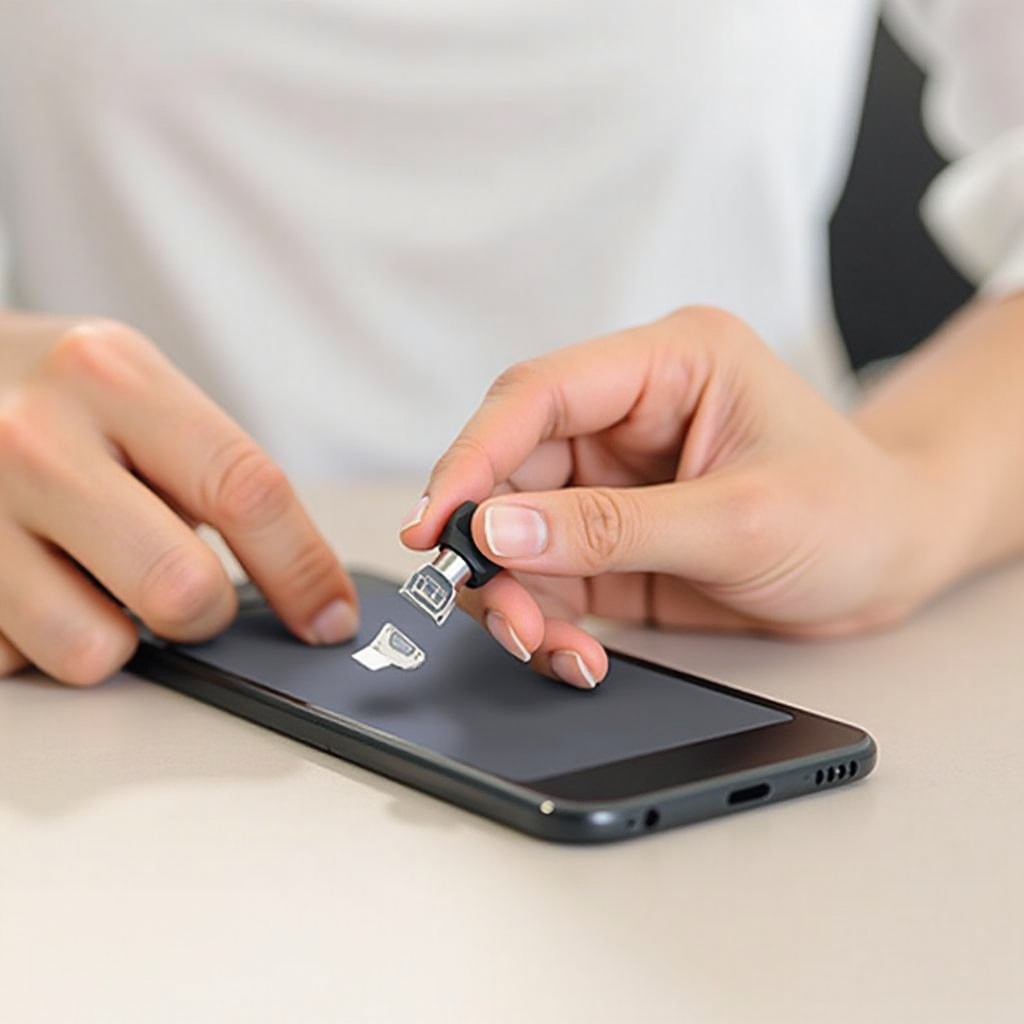
Understanding SIM Cards
Before you start the removal process, understand what a SIM card is and the varieties available. SIM cards come in standard, micro, and nano sizes, with nano being the most common in modern devices. No matter the size, all SIM cards enable your phone to connect with your network provider for calls, messages, and data access.
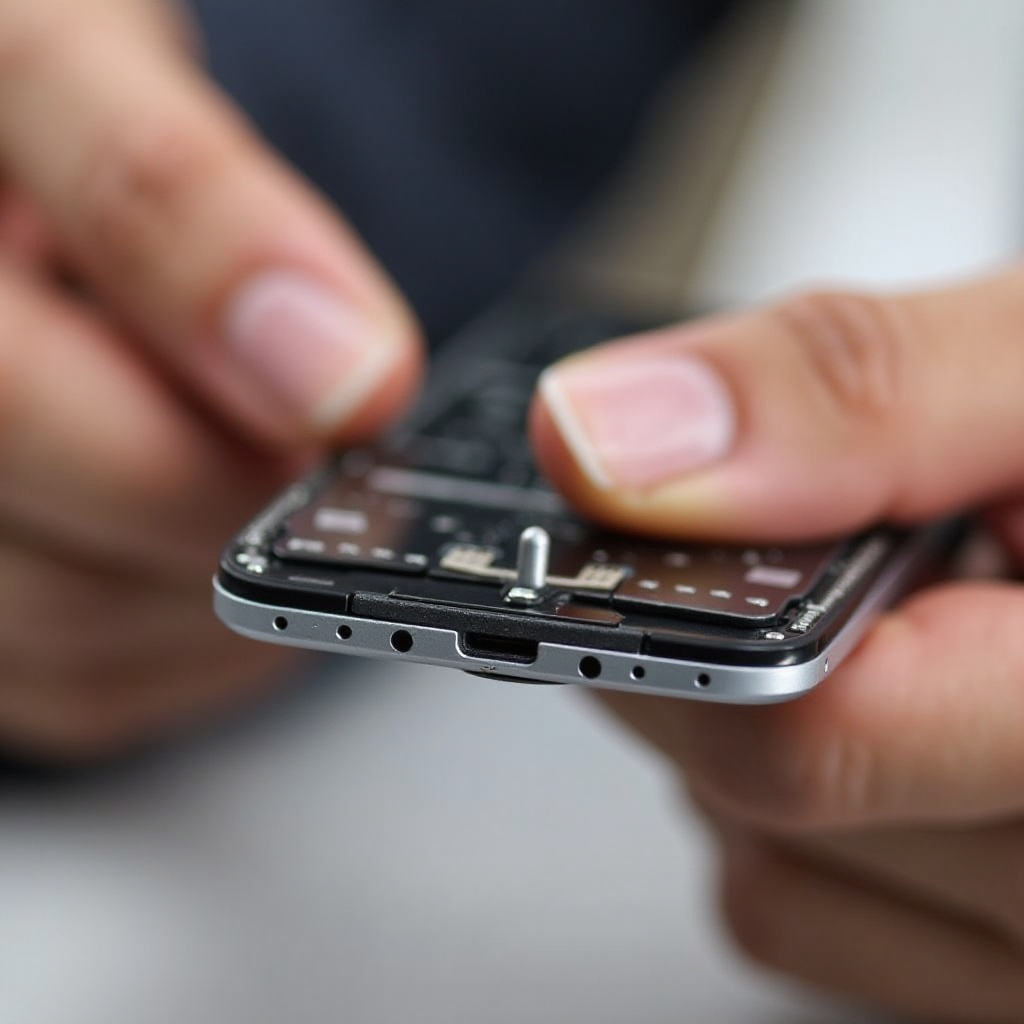
Preparation Before Removing the SIM Card
To begin removing the SIM card, first power down your phone. This step ensures data is protected and reduces hardware risks. Gather necessary tools: a SIM ejector tool works best, but a paperclip will suffice if needed. Ensure you perform this task in a well-lit environment so you can clearly see the SIM tray. Adequate preparation will make the removal process swift and safe.
Step-by-Step Guide for Removing SIM Cards from Popular Smartphones
Now, let’s explore the removal steps for different devices:
iPhone Models
- Locate the SIM tray along the side of your iPhone.
- Use the SIM ejector tool or a paperclip to press into the small hole by the tray.
- Gently apply pressure until the tray pops out, and then remove the SIM card.
Samsung Galaxy Series
- Find the SIM tray, typically positioned at the top edge.
- Insert the SIM ejector tool into the tray’s pinhole.
- After the tray releases, pull it out gently and remove the SIM card.
Google Pixel and Other Android Models
- Check your phone manual to determine the SIM tray location.
- Insert the tool into the pinhole and press gently.
- Remove the tray once it is ejected, then carefully extract the SIM card.
These guidelines ease the SIM removal process across iPhones and Android models, supporting hassle-free operations.
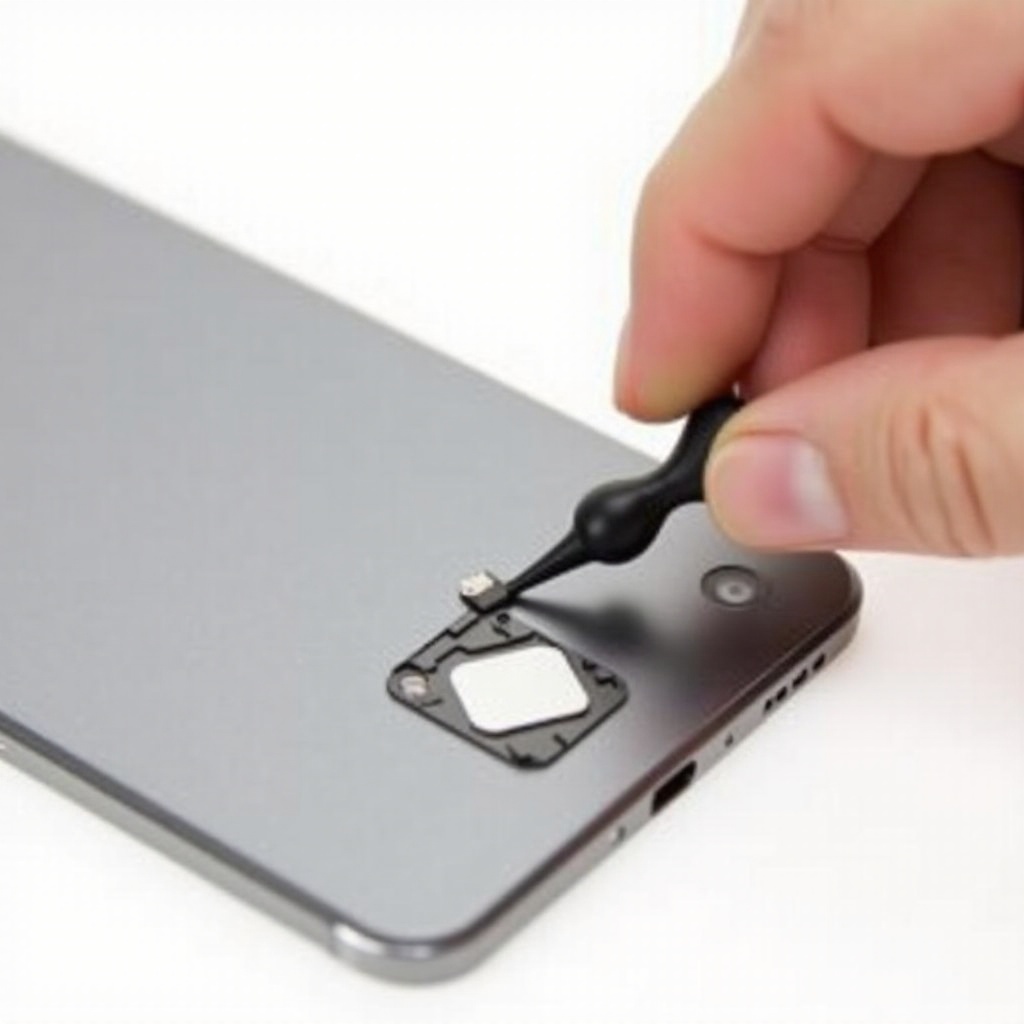
Troubleshooting Common Issues
Despite following steps, sometimes the SIM card might get stuck. Avoid exerting excessive force. Try gently jiggling the tray to free it. If the SIM tray seems damaged, visiting a technician is advisable. Attempting repairs without expertise may worsen the issue.
Best Practices for Handling SIM Cards
After removal, store your SIM card safely to avoid any damage. Keep it in its original tray or a dedicated holder. Avoid touching the gold contacts as oils from your skin may affect functionality. Consider acquiring a SIM card adapter set if you frequently swap phones, enabling size compatibility for various devices.
Conclusion
Knowing how to remove your SIM card safely equips you with practical skills for phone maintenance. By following this structured guide, you can ensure a smooth and damage-free SIM removal. Patience, precision, and adequate preparation make the task manageable and safeguard the longevity of your device.
Frequently Asked Questions
Can you remove a SIM card while the phone is on?
It is recommended to turn off your phone before removing the SIM card to prevent data corruption or hardware issues.
What should I do if my SIM card won’t eject?
If a SIM card gets stuck, try not to force it. Gently jiggle the tray or consult a technician for help.
Are there differences in removing SIM cards from eSIM-equipped phones?
Yes, eSIM-equipped phones don’t require physical removal. Manage eSIM profiles via your phone’s settings.