
Introduction
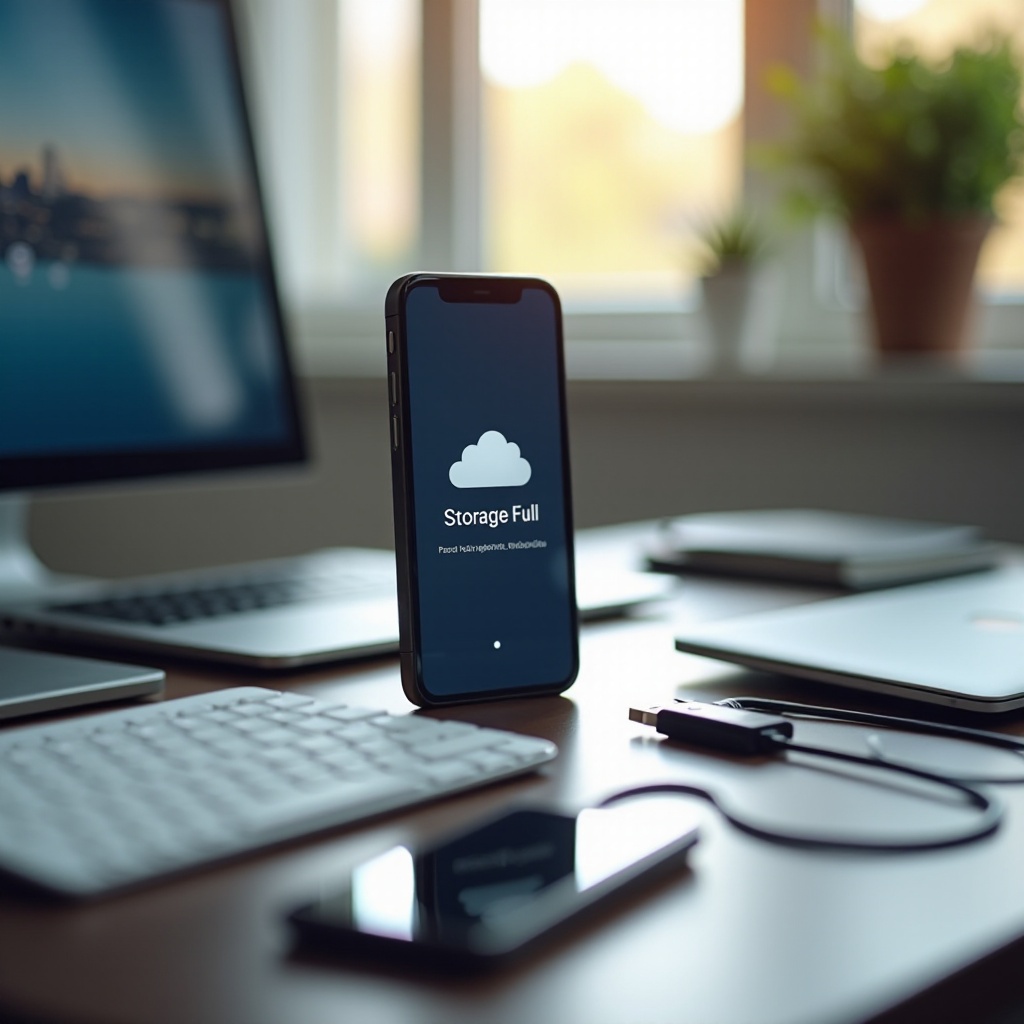
iPhone users often find themselves wondering about the storage capacity of their devices, especially when faced with frequent storage warnings. With photos, apps, and other data taking up space rapidly, understanding whether you can upgrade storage on an iPhone becomes essential. In this guide, we’ll delve into your options available to iPhone users for managing and maximizing their storage.

Understanding iPhone Storage
iPhones come with predetermined storage capacities that range from 64GB to 1TB, according to the model. This fixed design, unlike many Android smartphones that support expandable storage with microSD cards, is intentional. Apple prioritizes consistent performance and reliability across their devices, which a fixed storage solution provides. Yet, as data needs grow, knowing how to make informed decisions about storage becomes crucial in effectively managing your space.
Can You Upgrade iPhone Storage?
Technically, the internal storage on an iPhone cannot be upgraded post-purchase. The absence of expandable memory slots limits the physical augmentation of its storage. Apple has designed this limitation to ensure device integrity and security, making your initial choice crucial from the start. Although this might limit traditional upgrade paths, alternative solutions are available. Awareness of these options allows you to adapt and make efficient use of your device for longer periods.
Alternative Solutions for Managing iPhone Storage
Even though direct upgrades aren’t possible, iPhone users have several tactics available for managing storage space effectively.
-
Cloud Storage Options: Leveraging services such as iCloud, Google Drive, and Dropbox can greatly amplify your storage capacity. These platforms provide ample space for photos, documents, and more, freeing your device’s internal storage. Regularly syncing and backing up data to these clouds ensures its safety and accessibility from any device.
-
External Storage Devices: There are external drives compatible with iPhones that connect through the Lightning port and wirelessly. These devices allow for file transfers which help in alleviating storage pressures without altering the phone’s hardware. This is a practical solution for those needing additional space for media such as photos and videos.
-
Built-in iPhone Features for Storage Management: iPhones integrate features such as ‘Offload Unused Apps’ and ‘Optimize Photos’, which automatically manage storage space. These settings help delete unnecessary app data and large image files while retaining essential information in a more compact form.
Adopting these alternative solutions allows users to maintain an efficient storage system and keep their device operating smoothly.
Tips to Optimize Current iPhone Storage
Effective storage management extends beyond device settings and into user habits. Consider implementing the following practices:
-
App Management Strategies: Regular appraisal and removal of seldom-used apps can reclaim storage space significantly. Under ‘Settings’ > ‘General’ > ‘iPhone Storage’, you can assess which apps are occupying substantial storage.
-
Media File Optimization: Photos and videos are space-intensive. Implementing the ‘Optimize iPhone Storage’ feature in the Photos app ensures that high-resolution images are saved in the cloud, while smaller versions remain on your device.
-
Regular Cache and Data Clearing: Applications and browsers accumulate cache and data over time. Periodically clearing this through ‘Settings’ > ‘Safari’ > ‘Clear History and Website Data’ can release gigabytes of space and enhance speed.
These strategies not only free up storage but also contribute to smooth device operation, ultimately advancing the device’s lifespan.
Benefits of Effective Storage Management
By effectively managing storage, users not only avoid frequent storage alerts but also enhance their iPhone’s overall performance. Device speed and application response times significantly improve with ample free space. Additionally, proactive storage management allows users to enjoy capturing life’s moments without disruption and maximize their device’s potential.
Conclusion
Upgrading storage on an iPhone isn’t feasible, but several effective management strategies exist. Whether through cloud services, external drives, or mindful organizational tactics, users can maintain optimal storage conditions on their iPhones. Embrace these solutions to achieve an organized and efficient iPhone experience.
Frequently Asked Questions
Is it possible to use an SD card with iPhone for more storage?
Unfortunately, iPhones do not have slots for SD cards. External storage devices or cloud services are recommended for exceeding internal storage limits.
How does iCloud help in managing iPhone storage?
iCloud provides additional storage by uploading your photos, documents, and app data to the cloud, freeing up local storage while maintaining access to your content.
What should I do if my iPhone storage is completely full?
Begin by backing up your data and deleting unnecessary apps and media. Utilize cloud storage and consider external drives for files you wish to keep.