
Introduction
White specks on your TV screen can ruin your movie night or gaming session. These annoying specks often result from dead pixels, dust, or even hardware issues, and addressing them is crucial for a seamless viewing experience. By digging into their causes and exploring both DIY and professional solutions, you can enjoy uninterrupted entertainment.

Causes of White Specks on TV Screens
To tackle the problem effectively, it’s essential to identify the causes of these white specks. Knowing whether they are due to pixels, external debris, or internal malfunctions can guide your next steps.
-
Dead Pixels
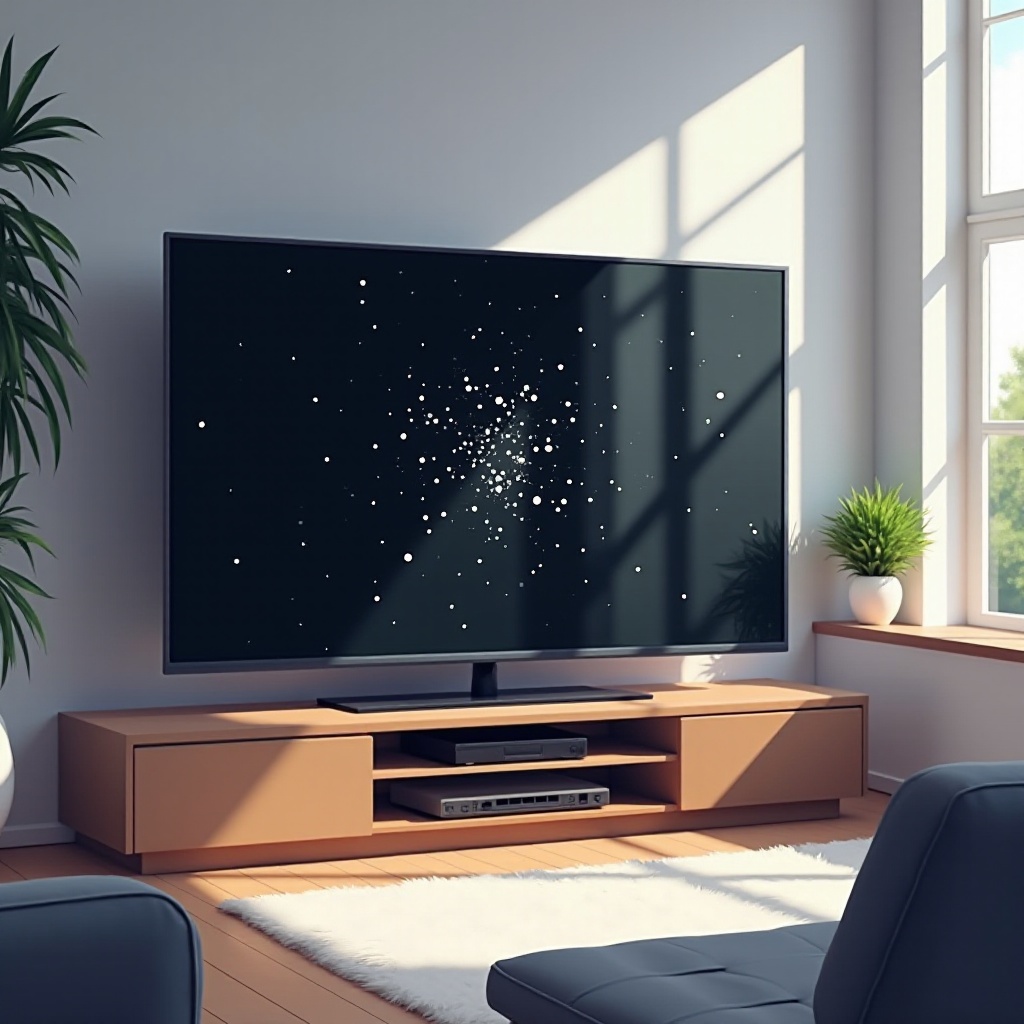
One common cause of white specks is dead pixels. These occur when individual pixels on the screen become stuck in the ‘on’ position, often due to manufacturing defects or physical damage. These dead pixels appear as static white dots on your screen, disrupting the picture quality. -
Dust and Debris Accumulation
Layered dust and debris can mimic the appearance of white specks, especially in environments with high dust concentrations or infrequent screen cleaning. This accumulation is easily addressed with regular maintenance. -
Hardware Malfunctions and Manufacturing Defects
Sometimes, hardware-related issues or defects in the TV’s manufacturing process lead to screen problems, which might manifest as white specks. If the problem isn’t resolved through cleaning, deeper issues may be at play.
By understanding these causes, you’re now equipped to try solving the issue on your own. The next section will cover some DIY methods that can help you restore your TV screen.
DIY Solutions to Remove White Specks
Before resorting to professional repairs, you might find success with a few do-it-yourself methods. Follow these steps to potentially eliminate white specks from your TV screen.
-
Proper Screen Cleaning Techniques
Begin by gently cleaning your screen. Use a microfiber cloth slightly dampened with water or a screen-safe cleaner. Avoid circular motions and harsh chemicals to prevent damage to the screen. -
Checking and Resetting Cables and Connections
Loose cables can sometimes cause visual anomalies. Ensure all connection points are secure by unplugging and reinserting HDMI or other relevant cables. Tight connections can resolve many display issues. -
Utilizing Pixel Refresh and Software Updates
Some TVs offer a pixel refresh tool within the settings menu. Running this tool can address stuck pixels. Additionally, keeping your TV firmware updated might solve software-related glitches that manifest as white specks.
If these DIY efforts don’t resolve the issue, it’s wise to consult a professional to avoid exacerbating the problem.
Identifying When Professional Help is Needed
DIY solutions can be effective, but if problems persist, it may be necessary to seek professional assistance. Here’s how to determine when it’s time to call an expert.
-
Persistent Screen Issues
If white specks remain despite attempts to fix them through cleaning or cable checks, it’s likely that the issue is complex enough to require a technician. A qualified professional can diagnose and repair hardware issues that you may not be able to fix yourself. -
Assessing the Cost of Professional Repairs
Consider whether repair costs justify the service. If they’re too high, investing in a new TV might be more economical, especially if your current model lacks newer features or suffers from multiple issues. -
Warranty and Manufacturer Support Options
Don’t forget to check if your TV is still covered under warranty. If so, the manufacturer may provide a free repair or replacement service.
Once the white specks are gone or minimized, you’ll want to implement strategies that prevent future occurrences.
Preventative Measures to Avoid White Specks
Prevention is as important as resolution. Keep your display clear by adopting a few consistent maintenance habits and setup practices.
-
Regular Cleaning and Maintenance Tips
Perform routine cleaning every couple of weeks using a microfiber cloth. This simple practice keeps dust at bay, preventing it from mimicking pesky white specks. -
Ideal TV Placement to Minimize Risk
Ensure your TV is placed in an area free from excessive natural light or dust, which can hinder its performance. Secure mounting can also prevent jostling, which may harm the device. -
Environmental Factors to Consider
Maintain an optimal room environment, avoiding high temperatures or humidity levels. Excessive moisture or heat could impact TV operation over time.
Conclusion
Dealing with white specks on your TV screen might seem daunting, but with clear knowledge of their causes and remedies, you can address the issue effectively. Take proactive steps with DIY solutions and know when to involve a professional. Regular care and minor adjustments in how you use and maintain your TV can also go a long way in preserving its quality.
Frequently Asked Questions
What causes white specks on TV screens and can they be fixed?
White specks are often caused by dead pixels, dust, or hardware issues. DIY solutions can fix minor issues, while professionals can handle more significant problems.
Are white specks on the screen always a sign of damage?
Not always. Dust accumulation is a common non-damaging cause. Addressing it through regular cleaning can often resolve the issue.
How often should I clean my TV screen to prevent white specks?
Clean your TV screen at least every two weeks to minimize dust buildup and keep your screen clear of white specks.