
Introduction
Cleaning your Xbox 360 disks is vital for a flawless gaming experience. Dust, fingerprints, and scratches can create gameplay interruptions or errors. Proper cleaning and handling extend the life of your precious games. This guide offers a thorough method for cleaning Xbox 360 disks while providing preventive tips.

Understanding Xbox 360 Disks
Xbox 360 disks feature a reflective surface critical for their operation, making them vulnerable to damage from dirt and scratches. Understanding these sensitivities helps prepare you for appropriate cleaning techniques. With this knowledge, we can now gather the materials needed for an effective and safe cleaning process, essential to preserving the disk’s integrity.
Preparing to Clean Your Disk
Before beginning, ensure you have the right tools:
– Microfiber Cloth: Ideal for scratch-free wiping.
– Cleaning Solution: Use isopropyl alcohol mixed with water or a commercial disk cleaner.
– Compressed Air Can: Helpful for removing dust.
Prepare a dust-free work area to prevent scratching during cleaning. With materials ready, you’re set for the main cleaning process.
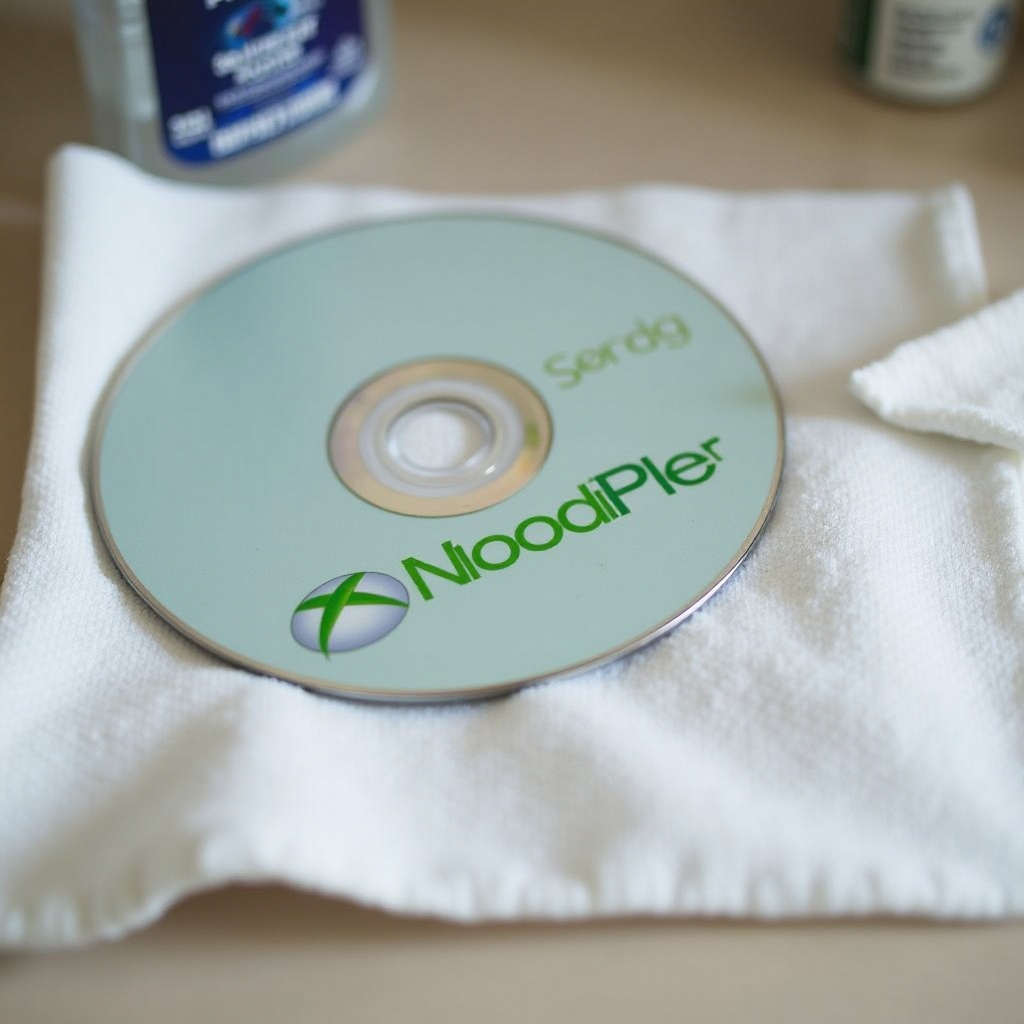
Step-by-Step Cleaning Process
Employ these steps to maximize your disk’s longevity:
-
Inspect the Disk: Hold it under a bright light to identify scratches or blemishes.
-
Dust Off the Disk: Use a compressed air canister to clear away loose dust.
-
Wipe with a Microfiber Cloth: Gently clean from the center outward with straight strokes to avoid circular scratches.
-
Apply Cleaning Solution: Dampen the microfiber cloth with your cleaning solution. Carefully wipe the disk from the center to the edge in straight lines.
-
Dry the Disk: Use another part of the cloth to dry the disk in the same straight-line manner.
This method addresses common disk cleaning issues, but what about stubborn scratches?
Addressing Scratches and Stubborn Stains
If scratches persist, these solutions might help:
-
Toothpaste Method: Rub non-gel toothpaste on the scratched area, then rinse and dry.
-
Professional Repairs: For deep scratches, consider disk repair tools or professional services.
While do-it-yourself methods may help minor issues, severe damage often requires professional intervention. This ensures your disk continues to perform well.
Preventive Maintenance for Xbox 360 Disks
Regular care keeps disks in excellent condition and avoids frequent cleaning:
-
Handle Properly: Avoid touching the surface; hold by the edges or center hole.
-
Store Correctly: Keep in cases away from heat, sunlight, and dust.
-
Routine Cleaning: Perform light cleaning to maintain performance.
Acting on these advice helps prolong disk life, minimizes maintenance, and optimizes gaming experiences.

Conclusion
Cleaning and maintaining Xbox 360 disks is straightforward with the right tools and techniques. Effective cleaning extends the life of your games, while routine maintenance protects your collection. Enjoy uninterrupted gaming by keeping your disks in top condition.
Frequently Asked Questions
How often should I clean my Xbox 360 disks?
Every few months or when visible smudges appear is ideal.
Can I use household cleaners to clean my disks?
Avoid household cleaners; use isopropyl alcohol or commercial disk cleaners instead.
What should I do if my disk still doesn’t work after cleaning?
Consider professional repairs or disk replacement if cleaning doesn’t resolve issues.