
Introduction
Opening your Xbox 360 S console doesn’t need to be a daunting task. Whether you’re aiming to clean, upgrade, or troubleshoot your console, knowing how to open it properly can save you time and money. This guide breaks down the process step by step, prioritizing your safety and the integrity of your console.
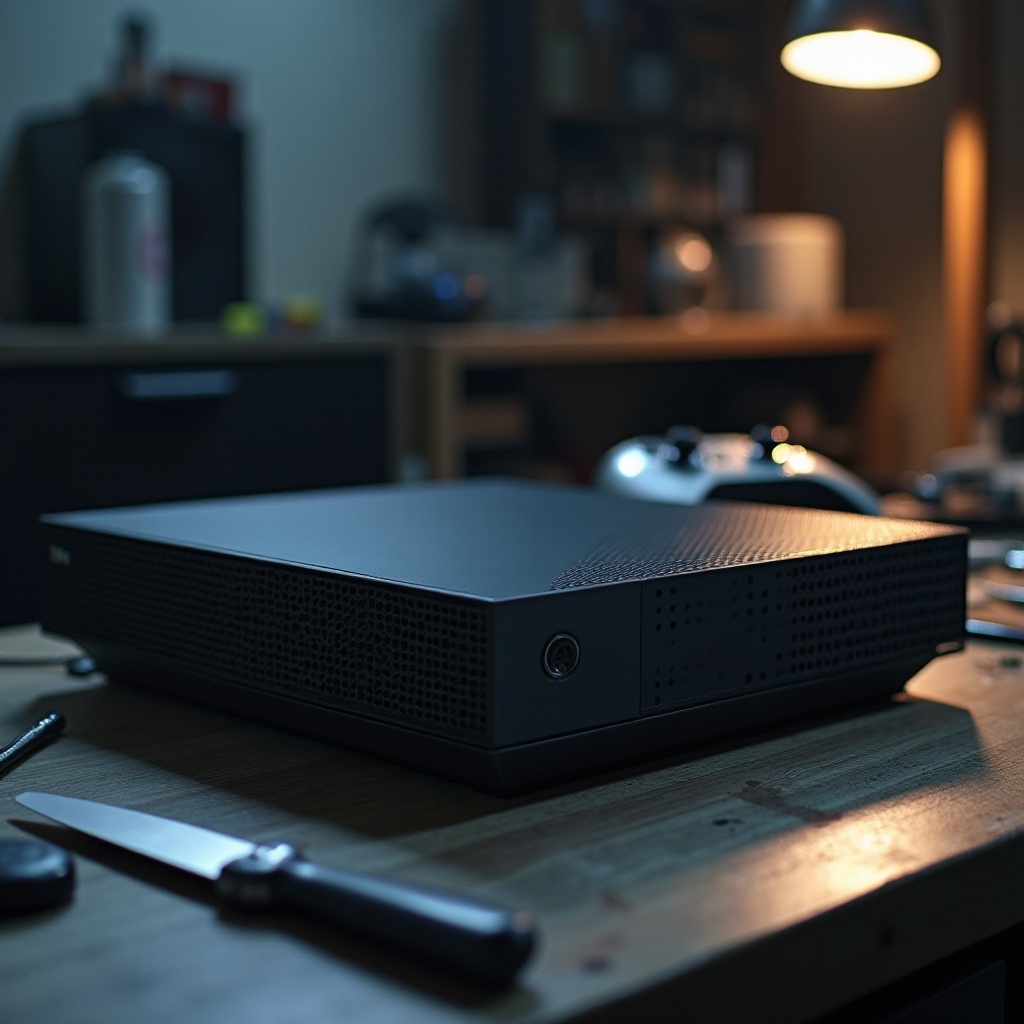
Why You Might Need to Open Your Xbox 360 S
Understanding the purpose behind opening your console is crucial. Dust can accumulate within, affecting performance. Regular cleaning keeps your device in top shape. Gamers also frequently opt to upgrade components to boost capabilities. Additionally, opening your device can help address internal hardware issues not resolved by software updates. Knowing these reasons ensures you’re well-prepared to face potential console challenges.
Preparing to Open the Console
Adequate preparation is key before you start dismantling your console. You’ll need specific tools and must follow safety guidelines to protect yourself and the device.
Essential Tools and Materials
Gathering the right tools is the first step. You’ll need:
– A small Phillips screwdriver
– A flathead screwdriver
– A plastic prying tool or guitar pick
– A clean, static-free workspace
These tools ensure you can safely and effectively dismantle the console.
Safety Precautions
Prioritize safety to avoid damage to both you and the console:
– Disconnect the console from power
– Use an anti-static wristband to prevent static discharge
– Work on a clean, non-conductive surface
By adhering to these guidelines, you maintain a safe environment for both disassembly and reassembly.
Step-by-Step Instructions to Open an Xbox 360 S
Everything is set. You’re now ready to proceed with opening your console. Follow these steps:
Removing the Hard Drive Cover
- Locate the hard drive cover on the side.
- Use the plastic tool to gently pry it off.
- Slide out the hard drive and keep it in a safe area.
Detaching the Side Panels
- Flip the console to its side.
- Remove tabs securing the side panels using the flathead screwdriver.
- Carefully pull the panels away.
Unscrewing the Outer Shell
- Turn the console upside down.
- Use the Phillips screwdriver to remove screws on the outer shell.
- Gently lift the shell to expose internal parts.
Accessing Internal Components Safely
- Remove additional screws securing parts inside.
- Carefully disconnect cables using the plastic prying tool.
- Handle all parts with care to avoid damage.
Troubleshooting Common Problems
Sometimes, opening the console might reveal new or existing problems. Handling these effectively ensures your console continues to function optimally.
Identifying Internal Issues
After accessing the internals:
– Look for any obvious signs of issues
– Check all connections meticulously
– Clean any dust buildup carefully
Best Practices for Troubleshooting
- Use compressed air to remove dust.
- Retighten screws previously loosened.
- Refer to user manuals or online resources if issues persist.
By solving these typical issues, the console’s performance can be enhanced significantly.
Tips for Successful Reassembly
Reassembly is as important as disassembly. Follow these pointers for a hassle-free reassembly:
– Reverse the disassembly steps methodically
– Verify that all connections are secure
– Tighten all screws properly
Proper reassembly ensures your console remains as robust as before.
Conclusion
Opening your Xbox 360 S might appear complex, but with correct guidance, it can be done safely and efficiently. Regular maintenance and troubleshooting can improve performance and extend your console’s life. Always prioritize safety and precision throughout the process.
Frequently Asked Questions
What tools are necessary to open an Xbox 360 S console?
Essential tools include a Phillips screwdriver, a flathead screwdriver, and a plastic prying tool.
Is it safe to open my Xbox 360 S without professional help?
Yes, following safety guidelines allows you to safely open your console for maintenance or upgrades.
What should I do if my console doesn’t work after reassembly?
Check all connections and screws, ensure components are reinstalled correctly, and consult troubleshooting resources.