
Introduction
Wondering how long a MacBook Air battery lasts can help you make the most of your device. From understanding key specifications to improving its efficiency, mastering battery life is essential. Whether you have the latest 2024 model or an older version, comprehensive knowledge about factors affecting battery life can lead to optimal use.
Understanding MacBook Air Battery Specifications
The MacBook Air is lauded for its excellent battery life. However, actual usage often diverges from advertised claims. In 2024, MacBook Air models are now capable of achieving up to 18 hours of battery life. However, individual experiences frequently vary due to numerous factors.
-
Overview of 2024 MacBook Air Models
The latest 2024 MacBook Airs are powered by innovations designed to extend battery duration. While the spec sheet promises much, real-world consumption hinges on a variety of conditions like brightness and applications in use. -
Advertised vs. Real-World Battery Life
A gap often exists between what manufacturers claim and what users experience. Variables such as software complexity and ambient environment have noticeable impacts, making it crucial to manage expectations correctly.
Being aware of the specifications helps in assessing how daily practices impact battery viability. Next, let’s delve deeper into these influencing factors.
Factors Influencing Battery Life
A variety of elements determine the longevity of your MacBook Air’s battery. Identifying them can help you adapt accordingly.
-
User Activity and Usage Patterns
Activities like video streaming and gaming deplete the battery faster than tasks like checking emails. Your usage habits decisively influence charging frequency. -
Impact of Software and Applications
Power-intensive apps, such as photo editing tools, dramatically reduce battery life. Additionally, running multiple programs simultaneously accelerates power drainage. -
Environmental Influences on Battery Performance
Temperature extremes affect battery efficiency. Consistent exposure to unsuitable temperatures may result in permanent performance decline.
Understanding these influences enables you to make informed management decisions. Now, improve battery life with these optimization strategies.
Maximizing Your MacBook Air Battery Life
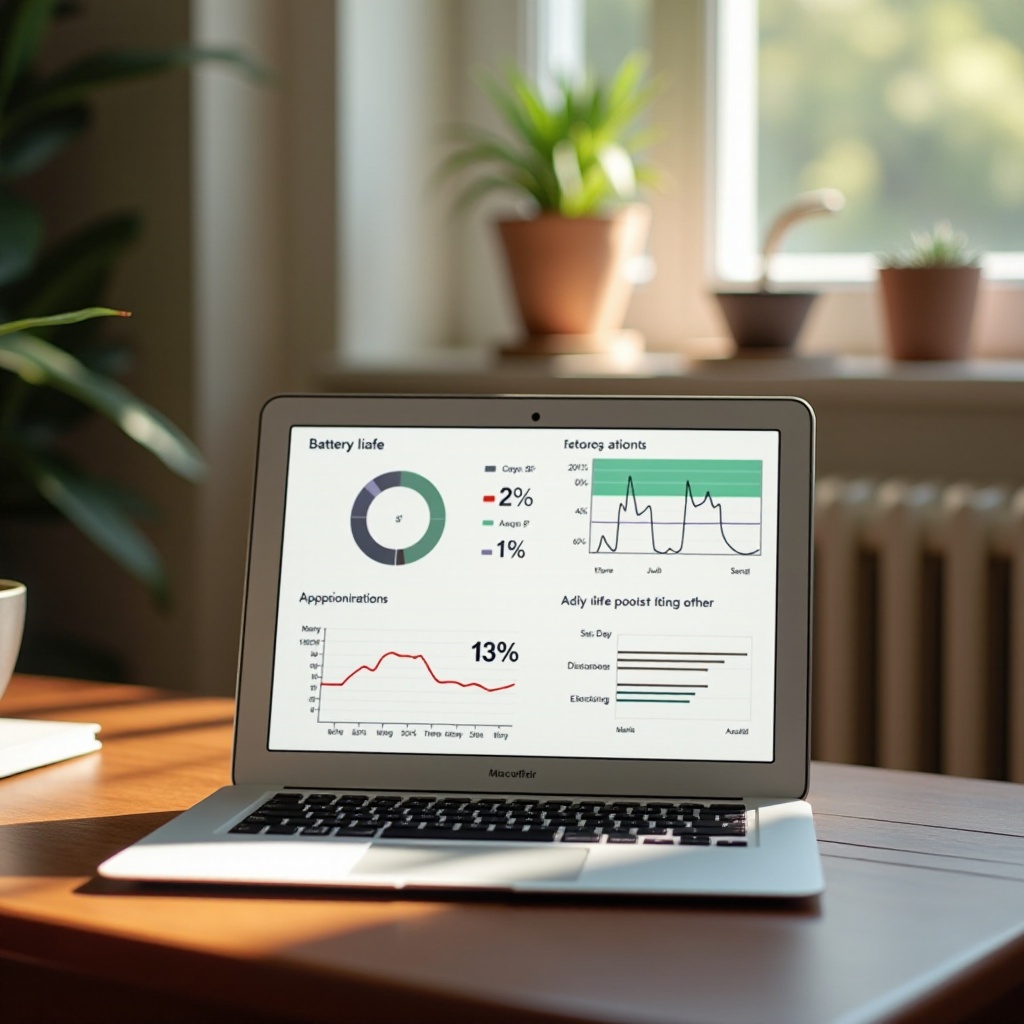
Boosting your MacBook Air’s battery performance involves employing strategies that prolong its life and ensure efficiency.
-
Optimal Power Settings
Modify energy-saving preferences by reducing screen brightness, setting automatic sleep modes, and minimizing background processes to enhance efficiency. -
Keeping Software Up-to-Date
Updating software regularly is crucial. Modern updates often contain optimizations that reduce energy usage and improve overall performance. -
Managing Background Processes and Apps
Restrict unnecessary apps running in the background. Use the Activity Monitor to close those that are consuming significant energy.
Following these strategies will extend your battery’s lifespan, connecting you seamlessly to comparisons across models.
Comparing Battery Life Across Different MacBook Air Models (2024)
Evaluating different MacBook Air models lets you pick one that aligns with your needs based on battery life.
-
MacBook Air M1 vs. MacBook Air 2024 Model
While the M1 models set new standards, the 2024 version offers enhanced optimizations. Users find that a modest upgrade allows for slight battery performance improvements for everyday tasks. -
User Reviews and Experiences
User feedback often highlights the true utility of advertised battery life. Reviews from seasoned users supply practical perspectives beneficial when making purchase decisions.
These comparisons guide your choices, leading effortlessly into considerations on troubleshooting and maintenance.

Troubleshooting Common Battery Issues
Even with best practices, some battery issues are inevitable. Knowing when to apply a fix or seek professional assistance saves time and effort.
-
Identifying Battery Health Problems
Use your macOS’s diagnostics to assess battery health. Symptoms like decreased capacity or battery swelling warn of degradation. -
When Professional Service is Needed
If your battery performance keeps declining despite attempted solutions, contacting Apple’s professional service team might restore functionality.
At this stage, equipped with knowledge across model comparisons and troubleshooting, we look ahead to future trends.
The Future of MacBook Air Batteries
The future of MacBook Air batteries is promising. As advancements continue in 2024 and beyond, expect improvements in longevity, charging speed, and efficiency. Industry pioneers continue to work on innovations poised to revolutionize how laptop batteries perform.
Conclusion
Exploring how long a MacBook Air battery lasts reveals the importance of understanding both specifications and real-world considerations. With strategies for best practices and troubleshooting know-how, your MacBook Air remains ready for any task. Stay informed on future developments to ensure continued performance at its peak.
Frequently Asked Questions
How can I check my MacBook Air’s battery health?
Use the System Preferences > Battery menu to access detailed health diagnostics and review suggested actions.
What are some signs that my MacBook Air battery needs replacing?
Frequent charging, unexpected shutdowns, and visible battery swelling are common indicators that replacement may be required.
Is it worth upgrading to a newer model for better battery life?
If battery life directly affects your productivity, upgrading to a newer model with improved efficiency can be a worthy investment.