
Introduction
Have you ever experienced sudden loud bursts of sound when watching your favorite show or during commercial breaks? Vizio’s volume leveling feature can help smooth out these audio variances, providing a more comfortable and consistent listening experience. Whether it’s during an intense movie scene or transitioning between channels, this feature ensures that volume fluctuations are a thing of the past.
Understanding Volume Leveling
Volume leveling is an advanced feature designed to maintain uniform sound levels across various content and channels. By automatically adjusting audio output, it prevents unwanted volume spikes and reduces the need for manual intervention.
Definition and Core Functionality
Volume leveling works by analyzing the audio input and adjusting it in real-time to maintain a consistent level. This means that whether you’re watching a show, a commercial, or switching between channels, the sound remains constant, avoiding abrupt changes.
Advantages of Utilizing Volume Leveling
Utilizing volume leveling comes with several benefits:
– Seamless Listening Experience: No more sudden loud commercials or quiet dialogues.
– Automatic Adjustments: Keeps your viewing consistent without frequent remote control use.
– Improved Audio Quality: Balances different audio elements for clarity in both loud and quiet scenes.
The effectiveness of this feature reflects in its ability to enhance the viewer’s overall television experience. Let’s delve into how this technology works in the context of Vizio TVs.
How Volume Leveling Works on Vizio TV
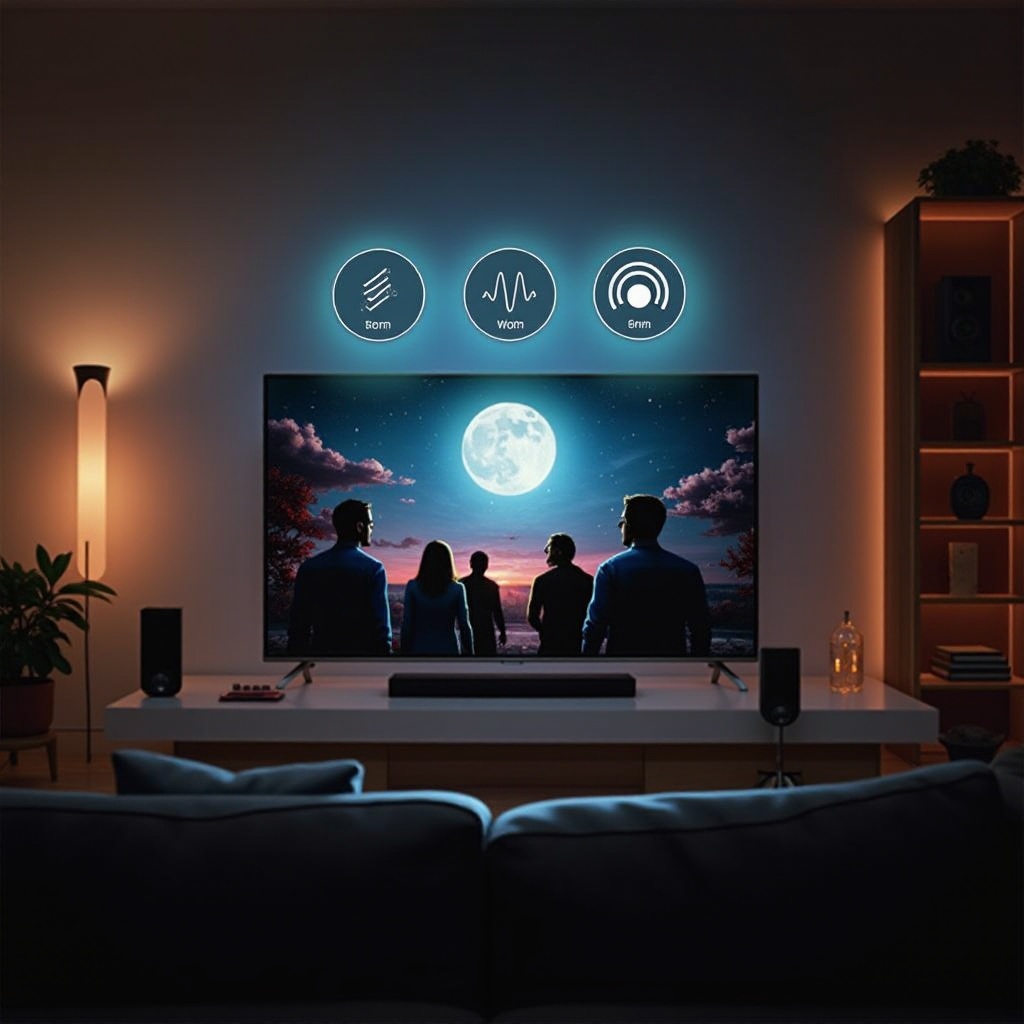
Vizio TVs employ sophisticated technology to ensure constant audio levels across all content types. This approach differentiates it significantly from traditional volume controls, which require manual adjustments.
Technology Behind Volume Leveling
Vizio uses state-of-the-art digital signal processing (DSP) to scan and adjust incoming audio signals continuously. DSP technology allows the TV to keep an ear on frequency and amplitude dynamics, making precise adjustments that maintain sonic consistency.
Differences from Traditional Volume Controls
Unlike manual volume adjustments that react after changes occur, volume leveling preemptively manages these differences. Traditional controls might require constant attention, while volume leveling automates balance and consistency, freeing the viewer from frequent interaction.
Understanding this operational difference underscores why volume leveling can greatly improve your audio experience. The next step is learning how to set it up on your device.
Setting Up Volume Leveling on Your Vizio TV
Activating volume leveling on your Vizio TV is a straightforward process. By following a few simple steps, you can quickly enhance your television’s audio output.
Accessing Audio Settings
- Menu Access: Press the menu button on your Vizio remote.
- Select Audio: Navigate to the audio settings within the menu.
- Enter Advanced Settings: Find the advanced audio options where volume leveling is located.
Customizing Your Experience
With the advanced audio settings open:
– Toggle Volume Leveling On: Ensure the volume leveling feature is enabled.
– Adjust Other Settings: Depending on your preferences, tweak additional audio options like bass, treble, and balance for optimal results.
Setting up these features allows you to tailor your viewing experience specifically to your liking. But what should you do if you encounter issues with this setup?
Troubleshooting Common Volume Leveling Issues
If, after enabling volume leveling, you find that issues persist, you might need to look into potential causes like incorrect settings or external device interference.
Recognizing and Resolving Audio Fluctuations
Should there be noticeable volume shifts:
– Confirm Settings: Double-check that volume leveling is turned on.
– Inspect External Devices: Ensure additional devices are not affecting the TV’s audio capabilities.
– Firmware Updates: Verify that your TV’s firmware is up-to-date to benefit from the latest features and fixes.
Additional Tips for Optimal Audio Performance
- Improve Speaker Placement: Align speakers for better sound distribution in your viewing area.
- Invest in Quality Equipment: Use high-quality cables and sound systems to maximize the capabilities of your Vizio TV.
These troubleshooting steps can resolve most issues and help maintain the benefits of volume leveling.
Conclusion
In summary, Vizio’s volume leveling feature is a powerful tool for anyone seeking a hassle-free auditory experience while watching TV. By automating sound adjustments, it delivers consistent audio performance across all types of content. With a user-friendly setup and troubleshooting guide, you can easily optimize your settings and fully enjoy what Vizio has to offer.
Frequently Asked Questions
What Happens If Volume Leveling Isn’t Working on My Vizio TV?
If it’s not functioning, confirm the feature is activated in settings, check external devices, and update your TV firmware if necessary.
Can Volume Leveling Help with Streaming Services?
Yes, it maintains even audio levels across different streaming platforms, ensuring a consistent listening experience.
Is There a Difference Between Volume Leveling and Auto Volume Control?
Yes, volume leveling adjusts sound for consistency across content, while auto volume control prevents excessive loudness.